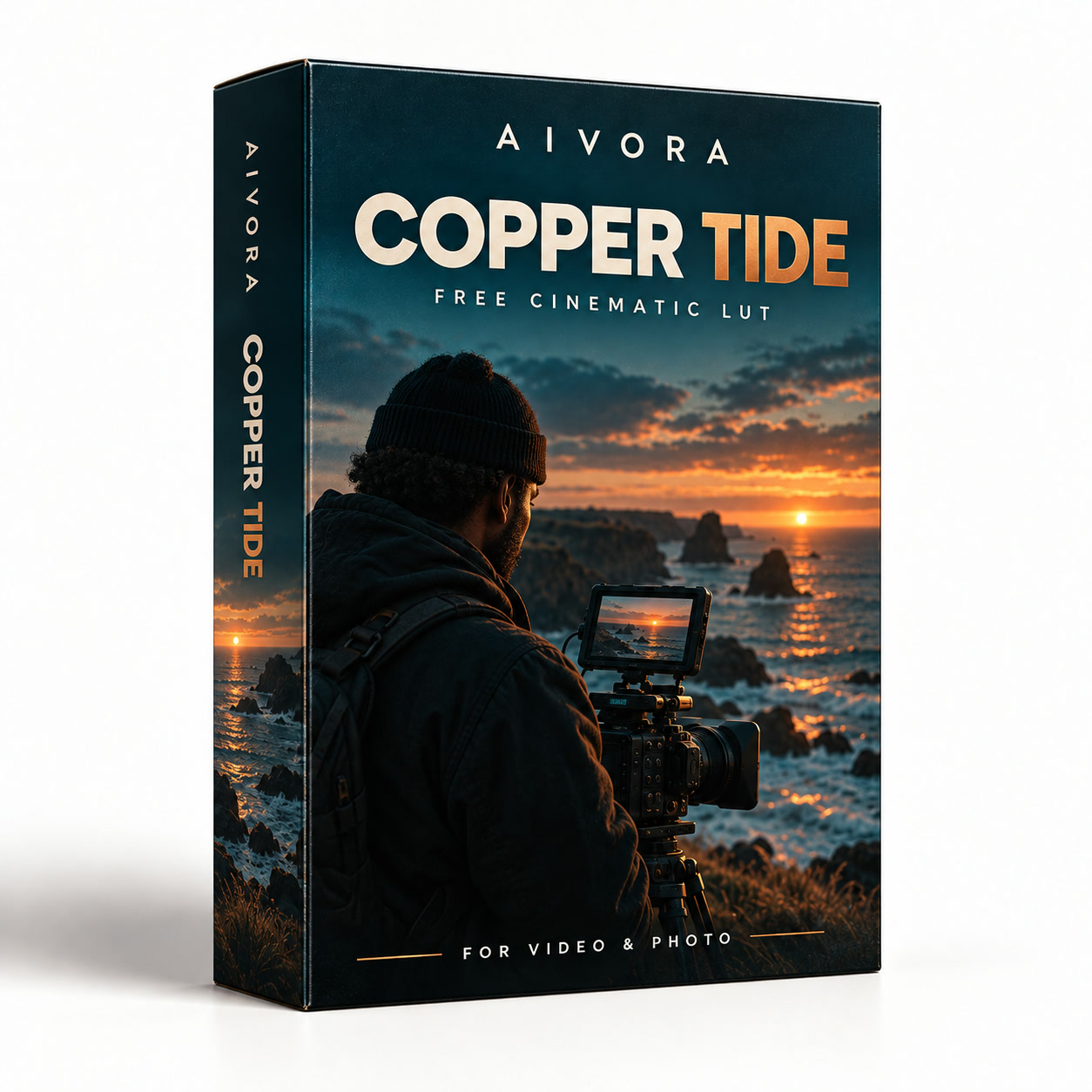
Free signature LUT
Copper Tide
£0.00
One look from the CHROMA XX collection, free: warm skin against cool shadows. Check out at £0 and the download link lands in your inbox.
- 1 cinematic .cube LUT
- Works in DaVinci Resolve, Premiere Pro, Final Cut Pro and CapCut
- Download link sent by email
How to install
Two minutes in any editor that loads .cube files.
DaVinci Resolve
Project Settings → Color Management → Open LUT Folder, drop the .cube files in, then Update Lists.
Premiere Pro
Lumetri Color → Creative → Look → Browse, and pick the .cube file.
Final Cut Pro
Add the Custom LUT effect to your clip and choose the .cube file.
CapCut
Adjust → LUT → Import LUT.
FAQs
How do I get the files?
Straight after checkout we email a download link to the address you gave. The link is tied to that address, so keep the email to download again later.
Will they work on my footage?
They are standard .cube LUTs, so they work in any editor that loads .cube files. Correct exposure and white balance first, then apply the LUT — most looks sit best between 60% and 100% strength.
Can I use them on client work?
Yes — use them on personal and client projects. Please don't share or resell the LUT files themselves.
Can I get a refund?
Because the files are delivered instantly, sales are final. If something doesn't work, reply to your download email and we'll sort it.